Vidhish Enterprises Office:
65, Rajabaksha, Medical Chowk, Nagpur 440003
Click any LED indicator light below to understand what it means and how to fix faults:
BSNL BHARAT FIBRE · OPTICAL NETWORK TERMINAL (ONT)
Click on any indicator light above (such as LOS or PON) to view diagnosis instructions and immediate solutions.
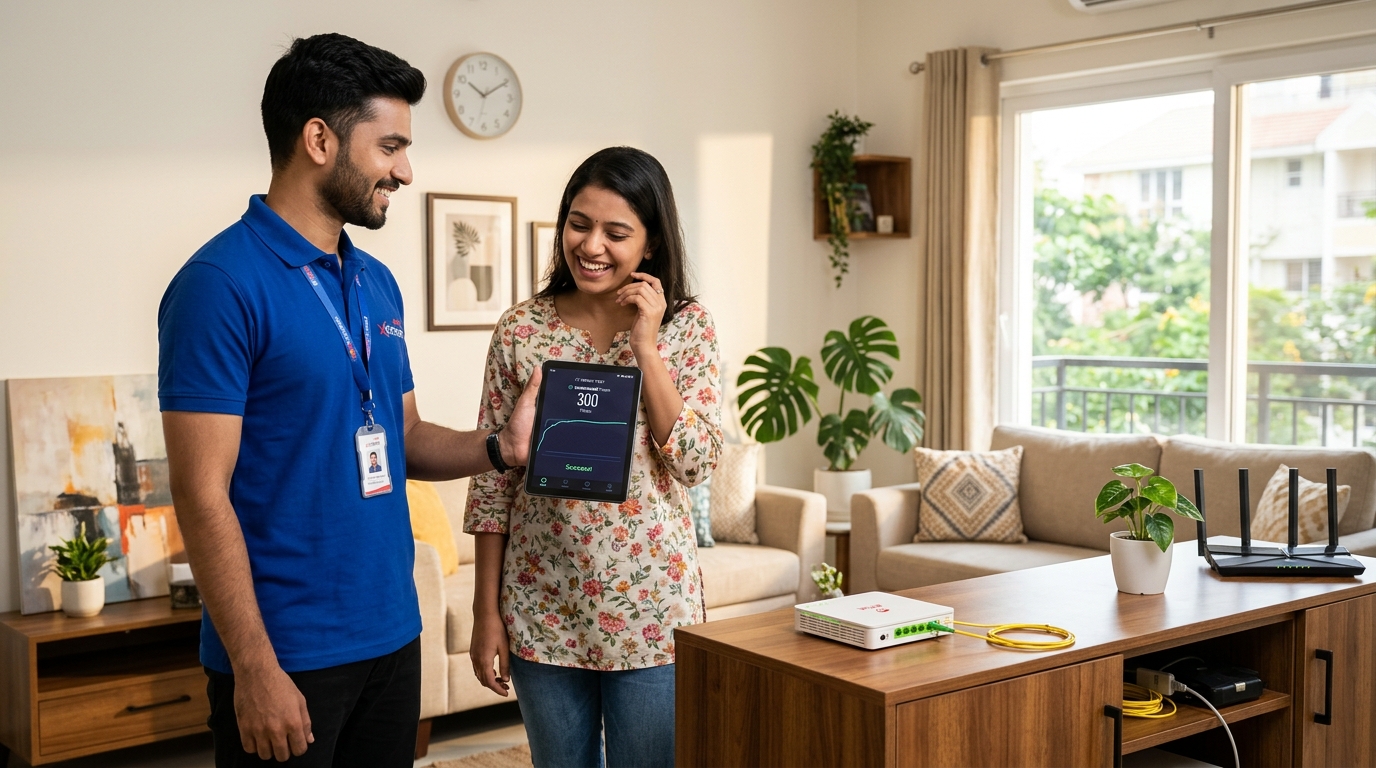
Every BSNL Bharat Fiber connection from Vidhish Enterprises includes a high-grade optical modem router configured for Nagpur's OLT exchanges.
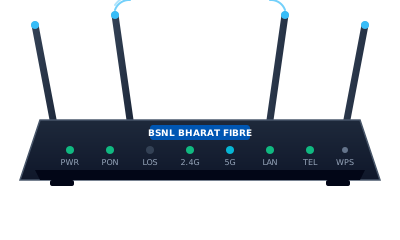 Included in plans ₹599 & above
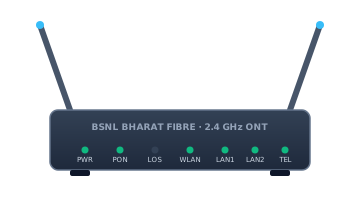 Rural Entry & Budget Plans
Simple steps you can take at home to fix 90% of connectivity problems in 2 minutes:
• Cause: Loss of optical signal. The thin fiber cable is bent, unplugged, or cut outside.
• Solution: Check the yellow patch cable under your router. Ensure it is firmly clicked into the green SC/APC connector port. Do not sharply bend the fiber. If the cable is intact, WhatsApp Vidhish Enterprises at 93709 01110 with your telephone number for technician line repair.
• Cause: Connected to crowded 2.4 GHz band or router placed near metal/microwaves.
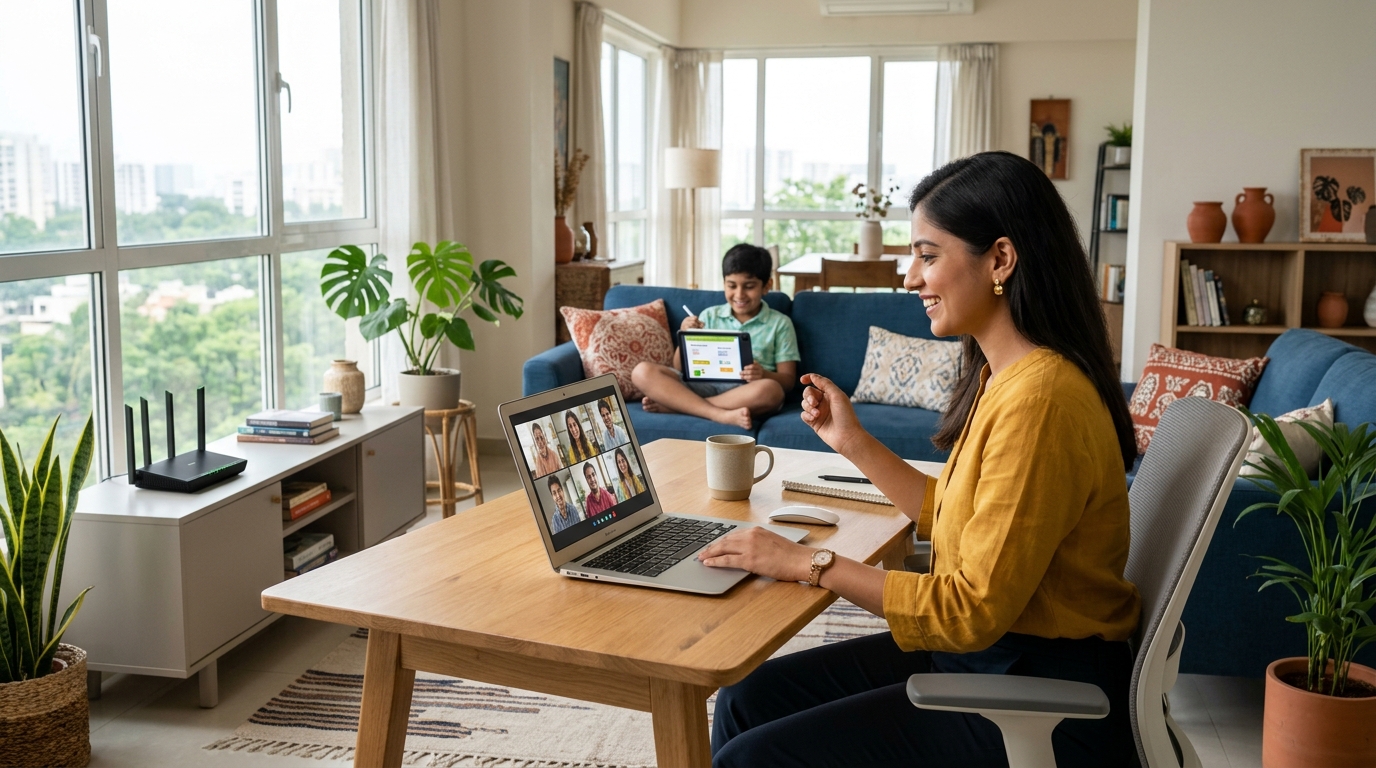
• Solution: Look for the _5G Wi-Fi network name on your phone or laptop and connect to it. Keep your router elevated at eye level, away from thick concrete pillars or electrical inverters.
• Cause: Temporary DNS lookup timeout.
• Solution: Restart your ONT router by switching it off for 30 seconds. In your device Wi-Fi network settings, you can also set Primary DNS to 8.8.8.8 (Google DNS) or 1.1.1.1 (Cloudflare) for lightning-fast webpage resolution.